TL;DR
1
Access SEO settings
Hover over your Knowledge Base name and click Settings, then SEO.
2
Update meta info
Change meta title, description, and keywords for SEO.
3
Preview changes
Use the preview option to check your updates.
4
Upload images
Add Favicon and social preview images.
5
Add custom codes
Enter codes in the head and body sections.
6
Check public view
Review the public version for changes.
Let's Do It Together!
1. Access SEO Settings
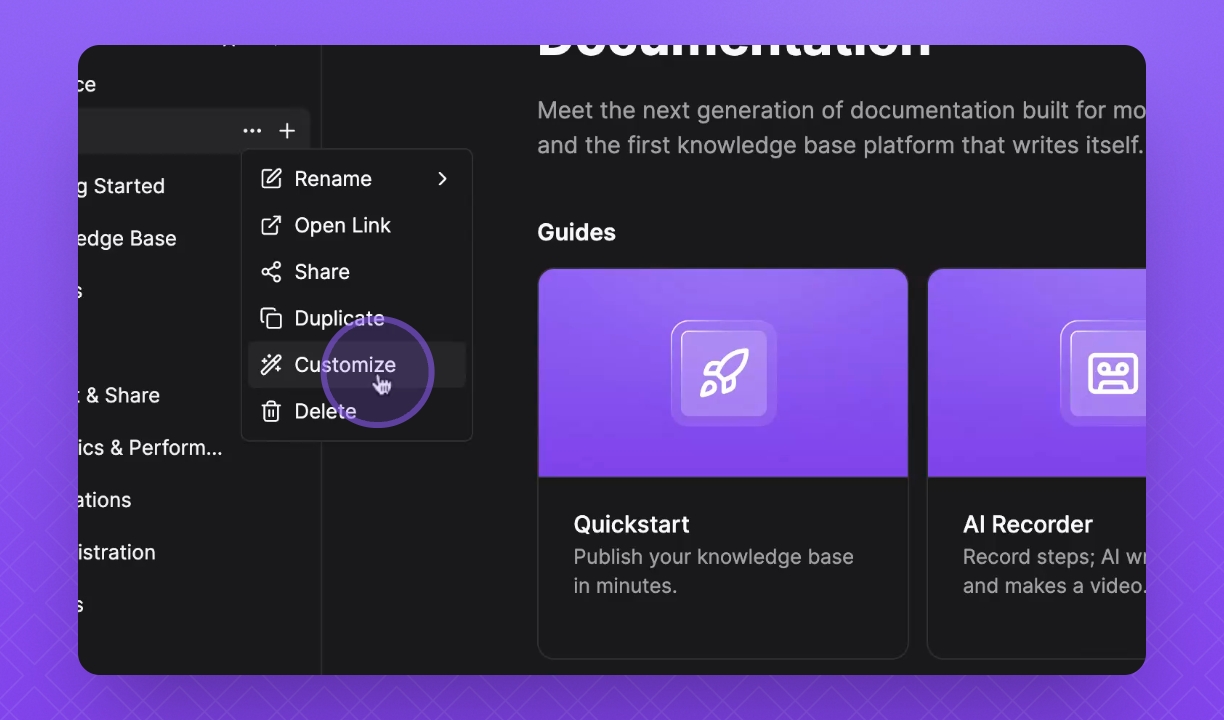
Hover over your Knowledge Base name.
Click the three dots menu.
Select Settings from the dropdown.
Click on SEO to open the settings.
2. Update SEO Information
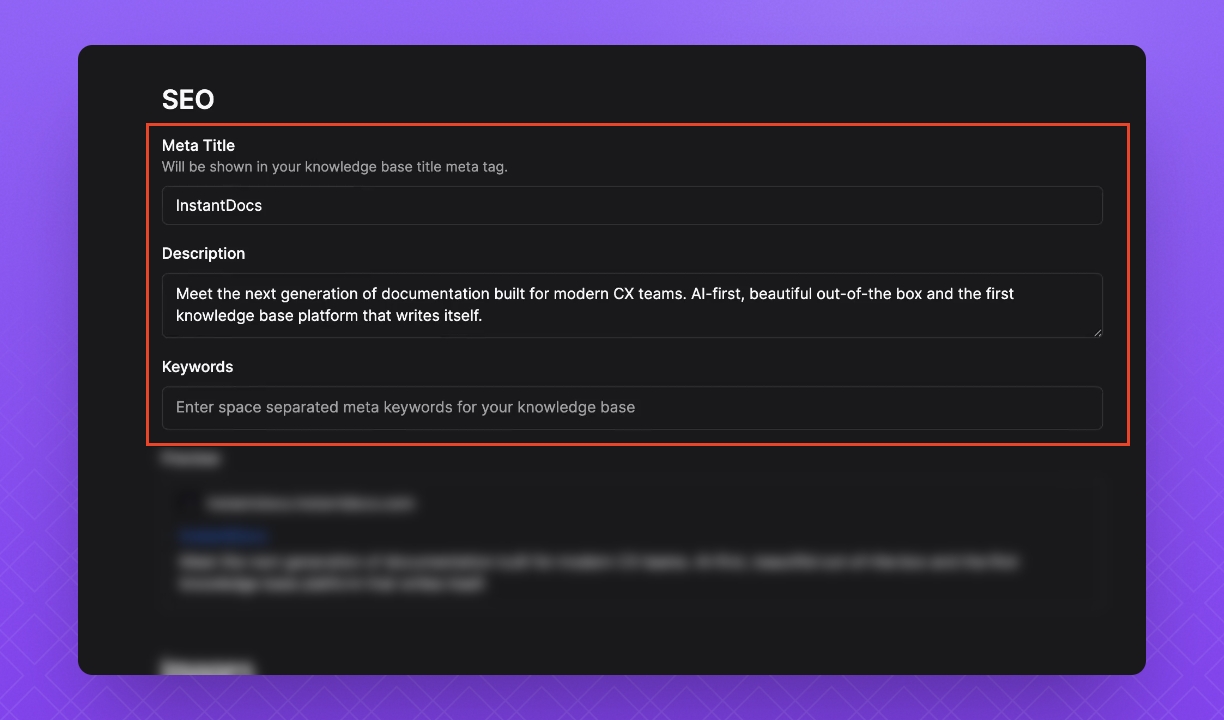
Change your meta title for search engine results and browser tabs.
Update your description for a summary in search results.
Add keywords you want search engines to associate with your page.
3. Preview Your Changes
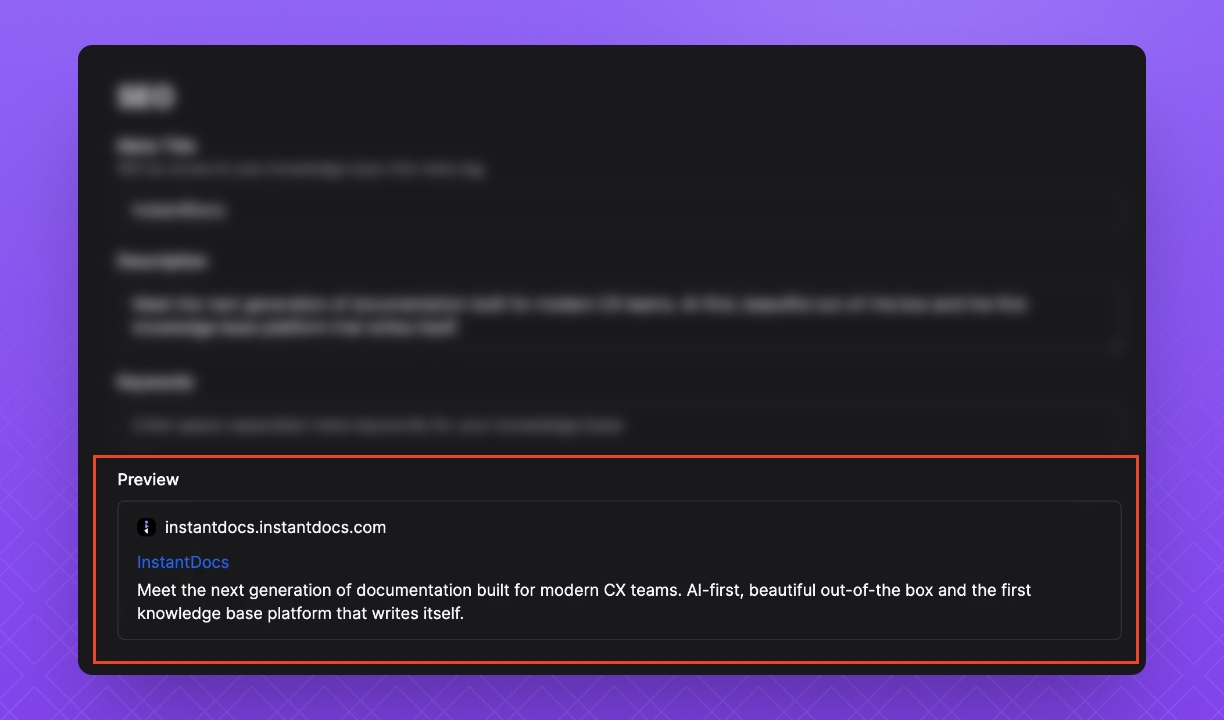
Use the preview option to see how your updates look.
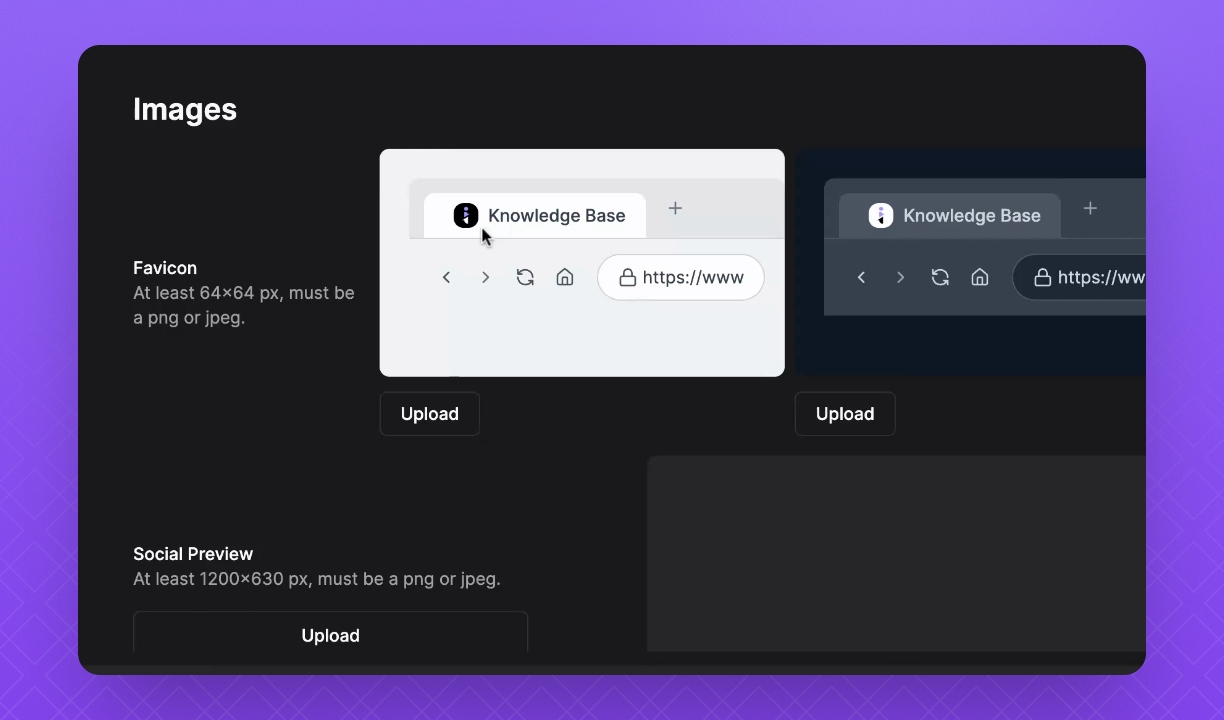
Step 4: Upload Favicon and Social Images
Upload Favicon images for your browser tab.
Add images for Social Preview and your Apple touch icon.