

TL;DR
1
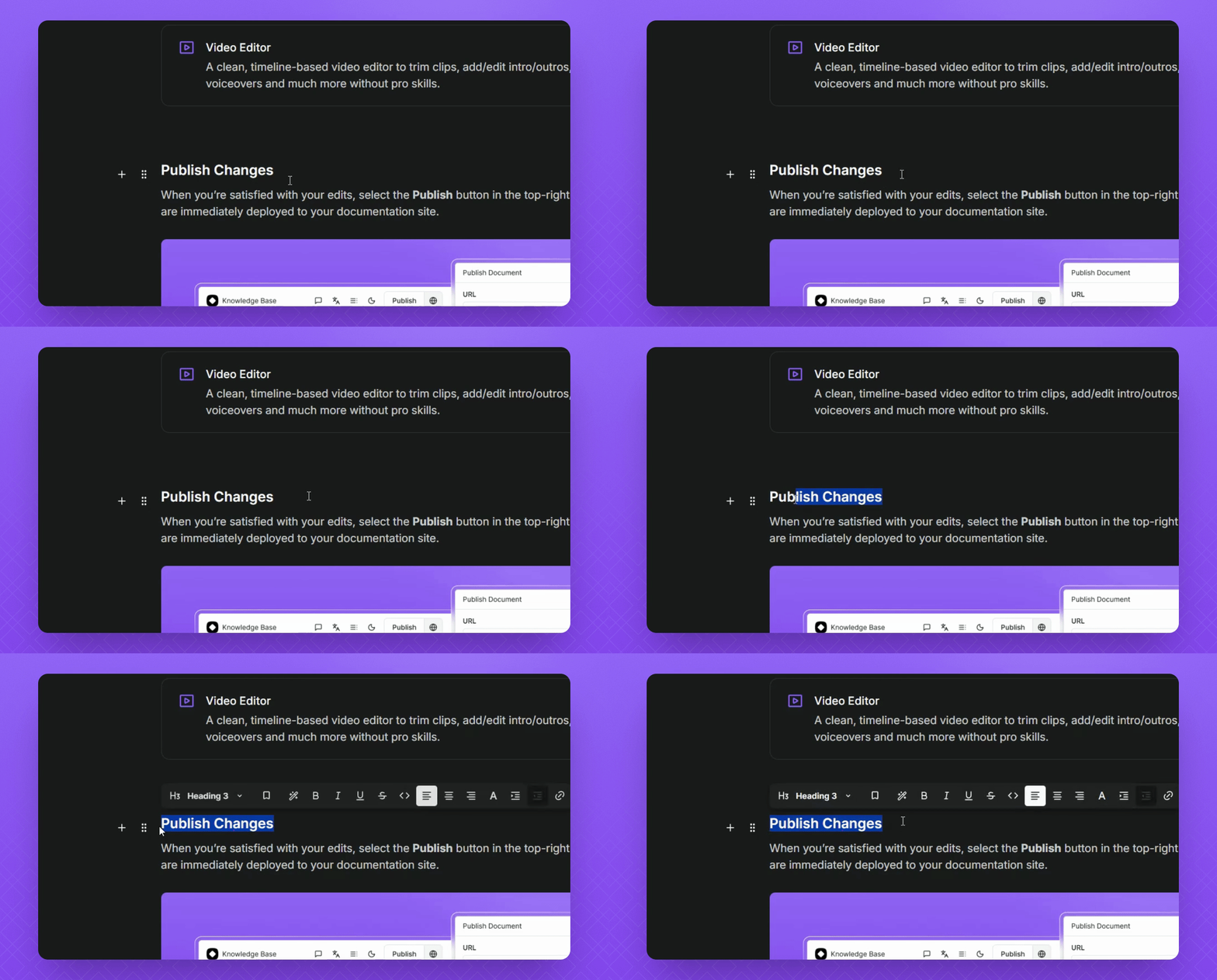
Highlight your heading
Highlight your heading text to reveal the inline editing toolbar
2
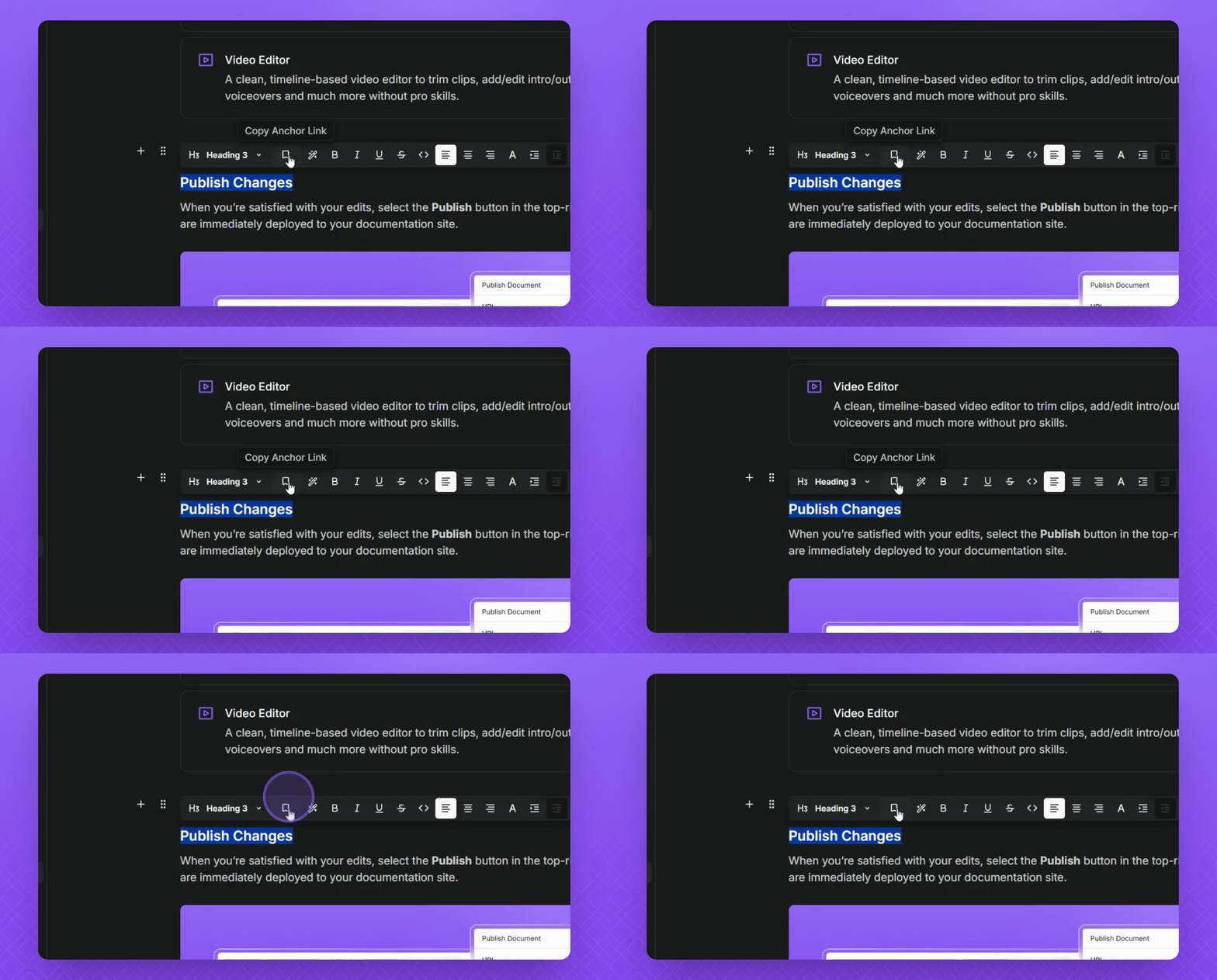
Copy the link
Hover and select the Copy Anchor Link icon.
Let's Do It Together!
Step 1: Highlight the Heading
Drag and highlight your heading within your Instant Docs documentation.
Step 2: Copy the Anchor Link
Hover over the Copy Anchor Link icon in the URL bar.
Select the icon to copy the link.
FAQ
Why are my anchor links redirecting to a new browser tab inside my article?
Anchor links redirect to a new page when they are clicked. We recommend using the Table of Content's feature so users can navigate your docs more easily.