TL;DR
Paste credentials in InstantDocs and verify.
Create a Knowledge Base and import from Crisp.
Let's Do It Together!
1. Access Settings
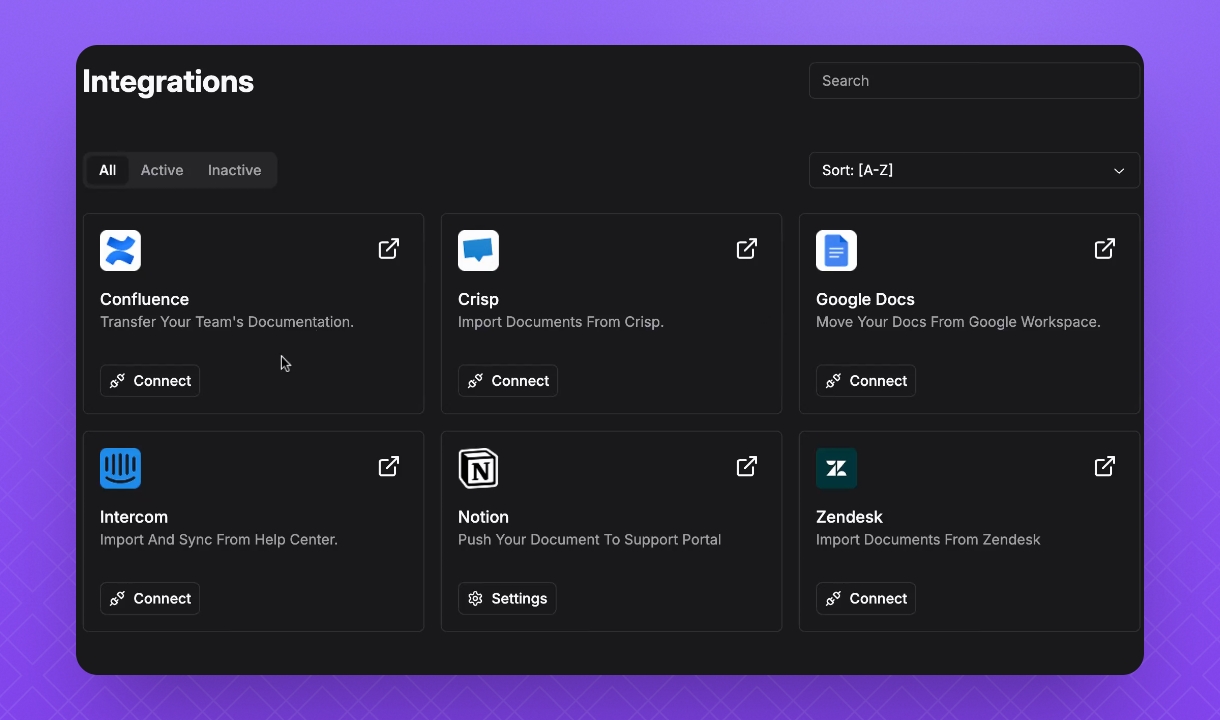
Click on your Workspace name and select Settings.
Under the Features section, find Integrations.
2. Connect Crisp
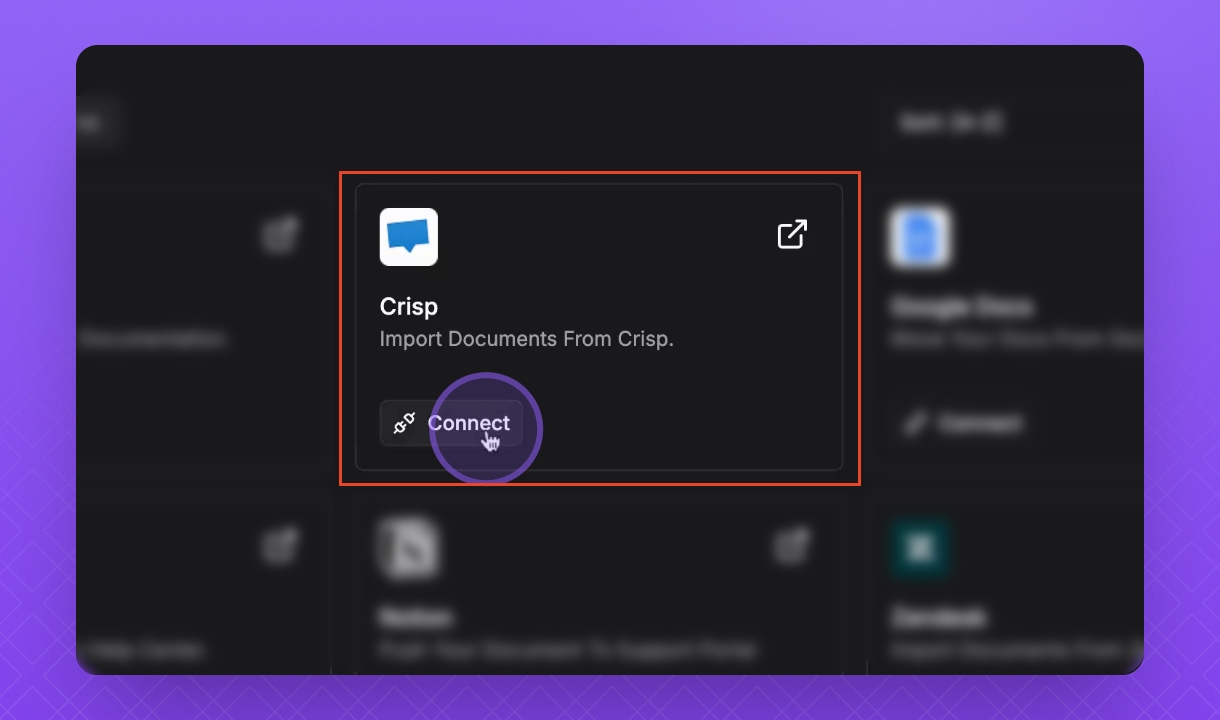
Find Crisp and click Connect.
Then click Next.
3. Retrieve Tokens
In your Crisp workspace, under Settings and Workspace Settings, go to Setup and Integrations.
Copy your Website ID and save it for later.
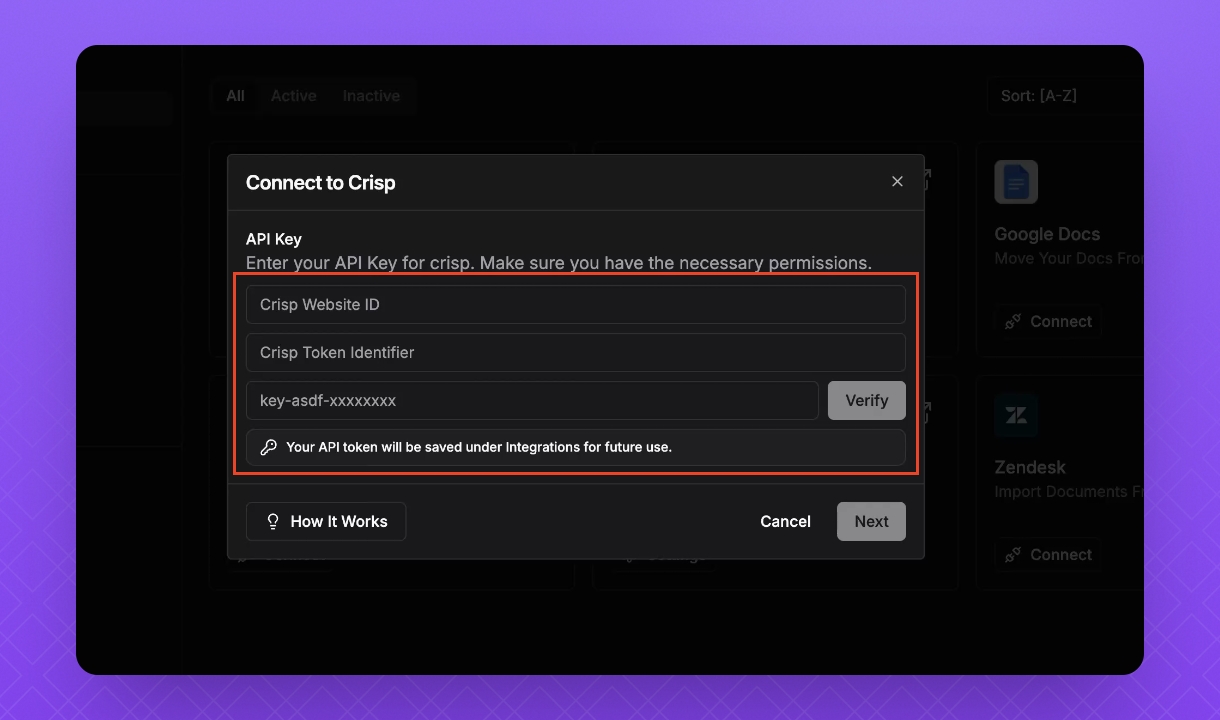
To find your Token identifier and API token key, click on Tokens in the the Crisp Marketplace page. If you don’t have a Crisp Marketplace account yet, create one and follow the prompts to link your Crisp workspace account with your Website ID.
Bring this information back to your Instant Docs Integrations tab.
4. Verify Integration
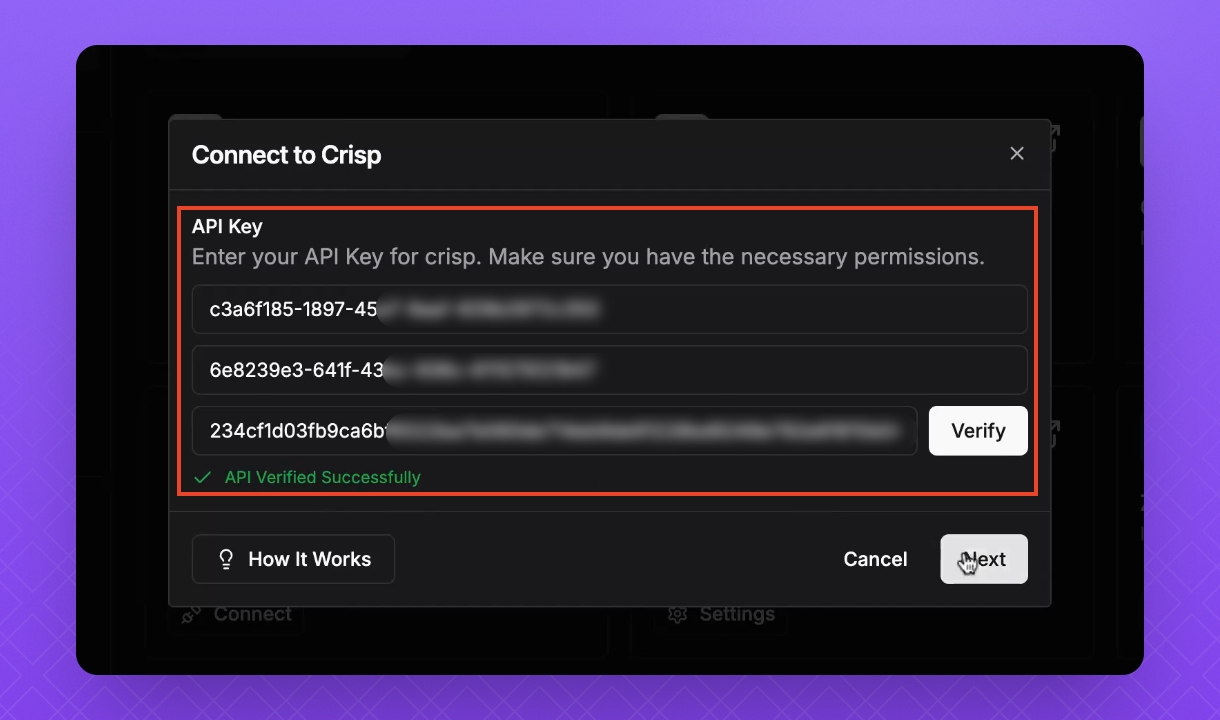
Paste all your information in the InstantDocs Integrations tab.
Click Verify.
Once you see the green check mark and the message 'API verified successfully', your integration is complete.
5. Complete Integration
Click Next.
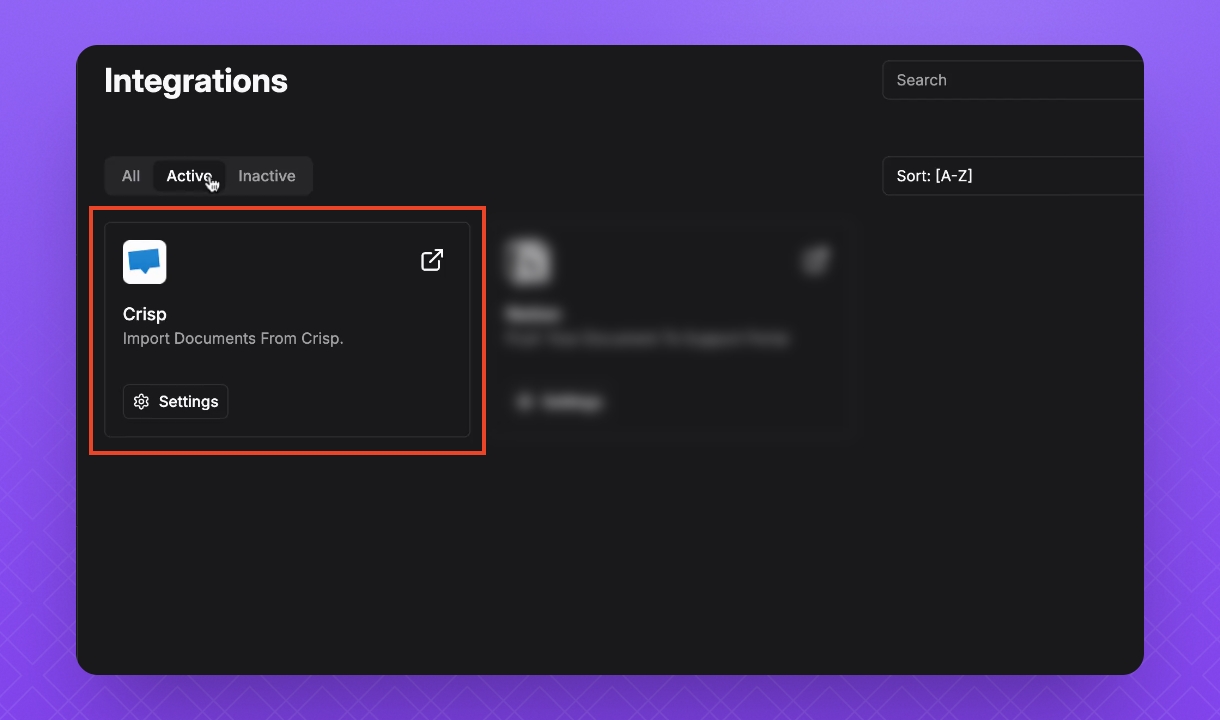
Your Crisp account is now integrated correctly.
6. Import Knowledge Base
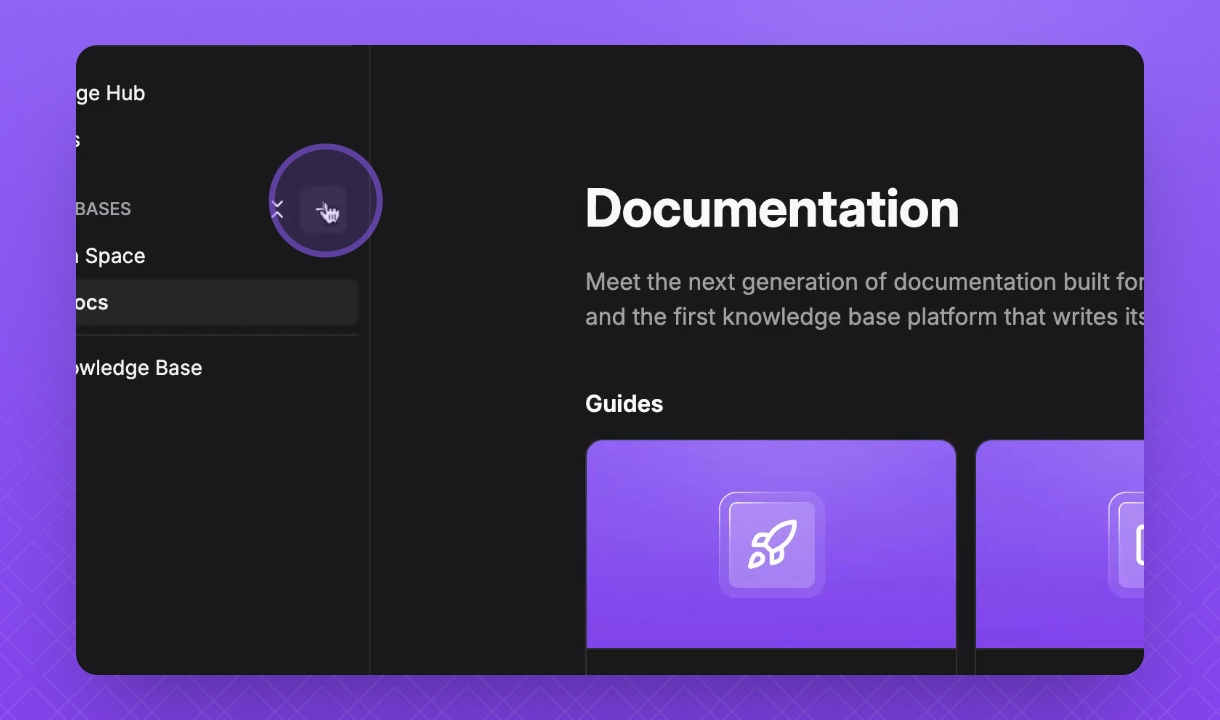
In your InstantDocs Workspace, hover over Knowledge Bases and click the + icon.
Give your Knowledge Base a name, select its visibility, and click Import from external platforms.
Click Create.
Select Crisp, then click Next.
Select the files you would like to import, then click Import.
Once importing is in progress, click Done.
After uploading, you will see a new Knowledge Base with your articles below.