

TL;DR
1
Access General settings
Select your Knowledge Base and click on Settings.
2
Edit tab name and settings
Change title and toggle settings for branding and AI Power search.
3
Save your changes
Click Save to apply all modifications.
Let's Do It Together!
1. Access General Settings
Select your Knowledge Base.
Click on the three dots.
Select Settings to enter General settings.
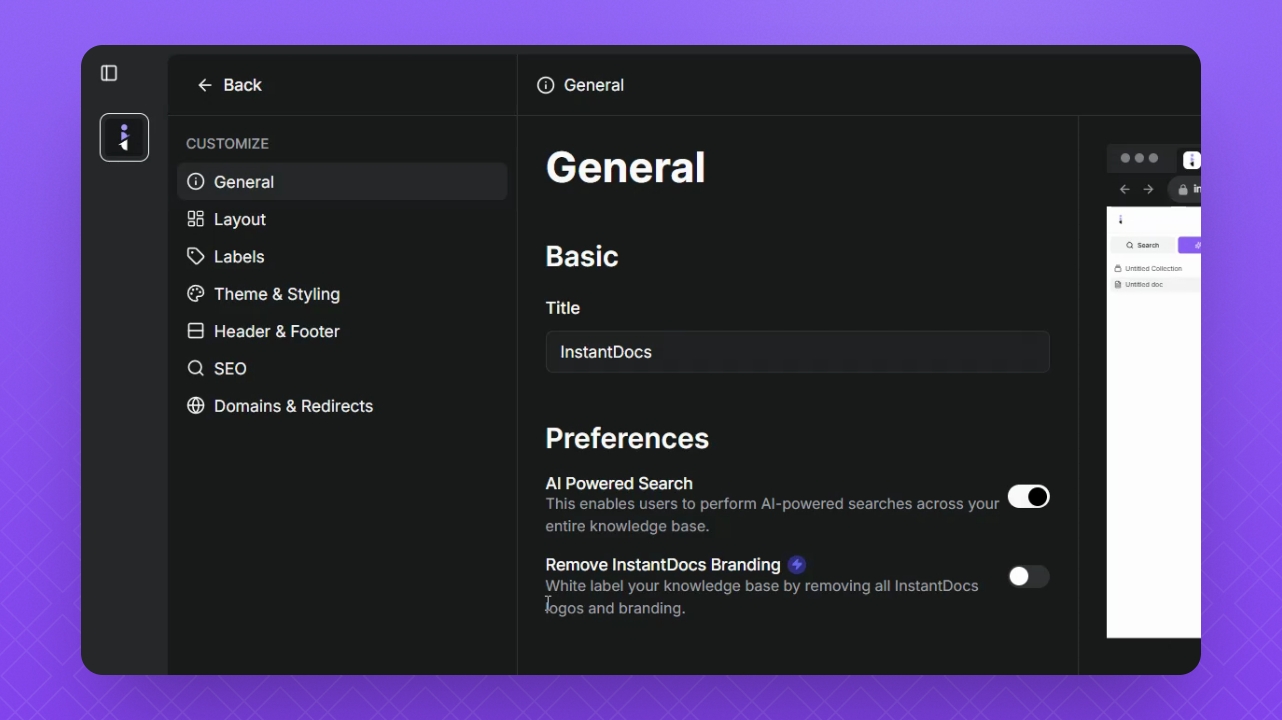
2. Edit General Settings
Edit the title description for the browser tab.
Toggle the button to turn off AI Power search.
Click the toggle button to remove branding in InstantDocs.
NOTE: You can only toggle off InstantDocs branding on the paid plans.
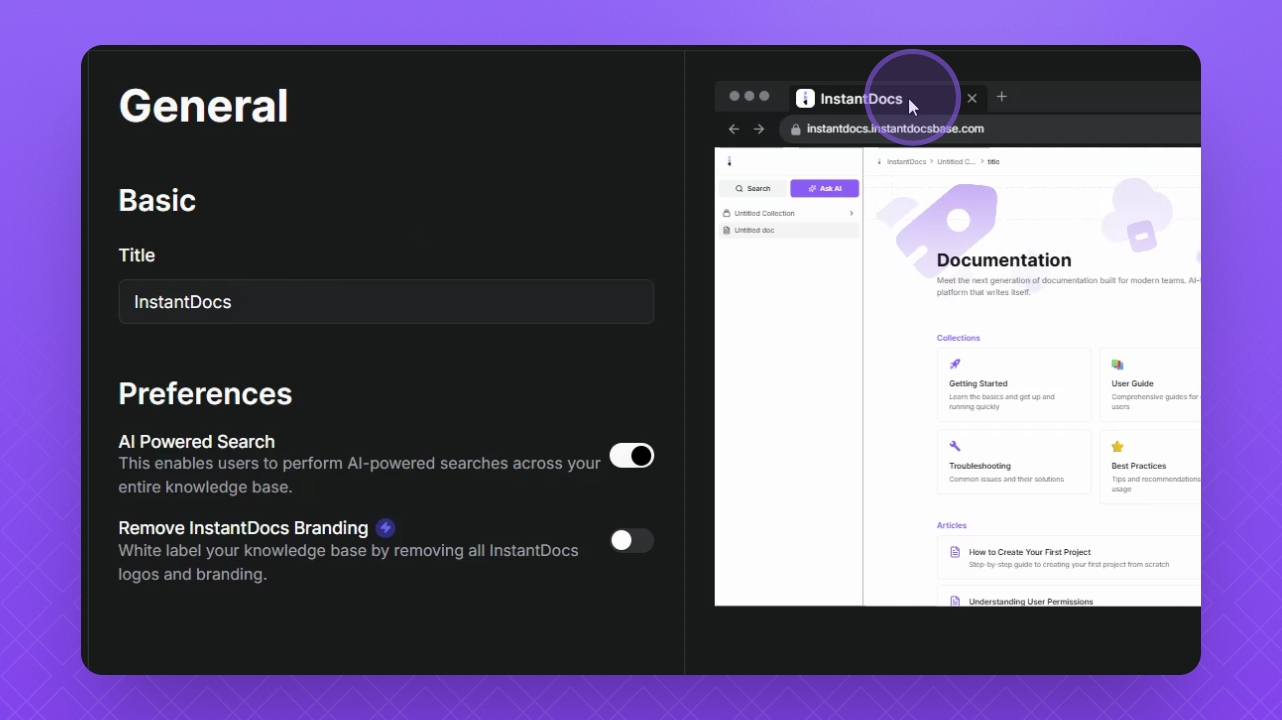
Step 3: Save Changes
Click Save to apply all your changes.
Troubleshooting
Cannot toggle branding option
Ensure you are on the paid plan for Instant Docs. You can only toggle off InstantDocs branding on the paid plans.