TL;DR
1
Select the article
Choose the article from your KB list.
2
Click preview icon
Press the "eye" icon to see the article preview.
3
Review content
Scroll through the preview to check your edits.
4
View published article
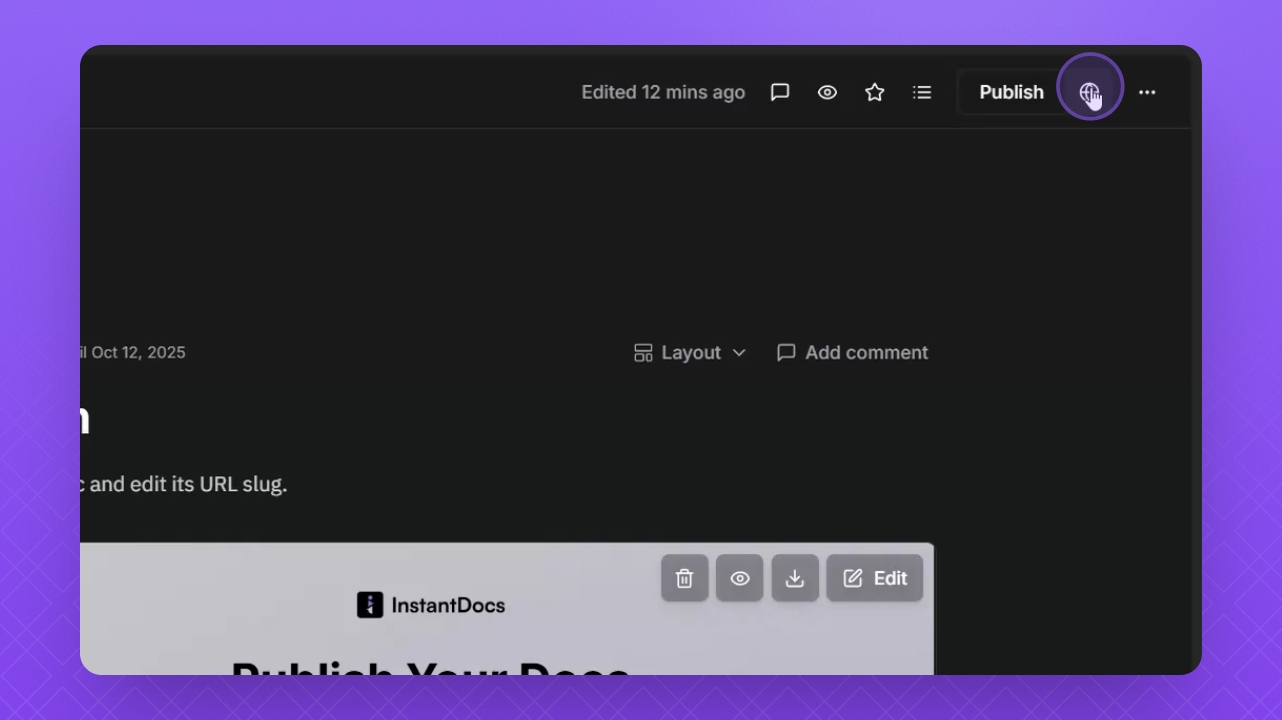
After publishing, click the globe icon to see it live.
Let's Do It Together!
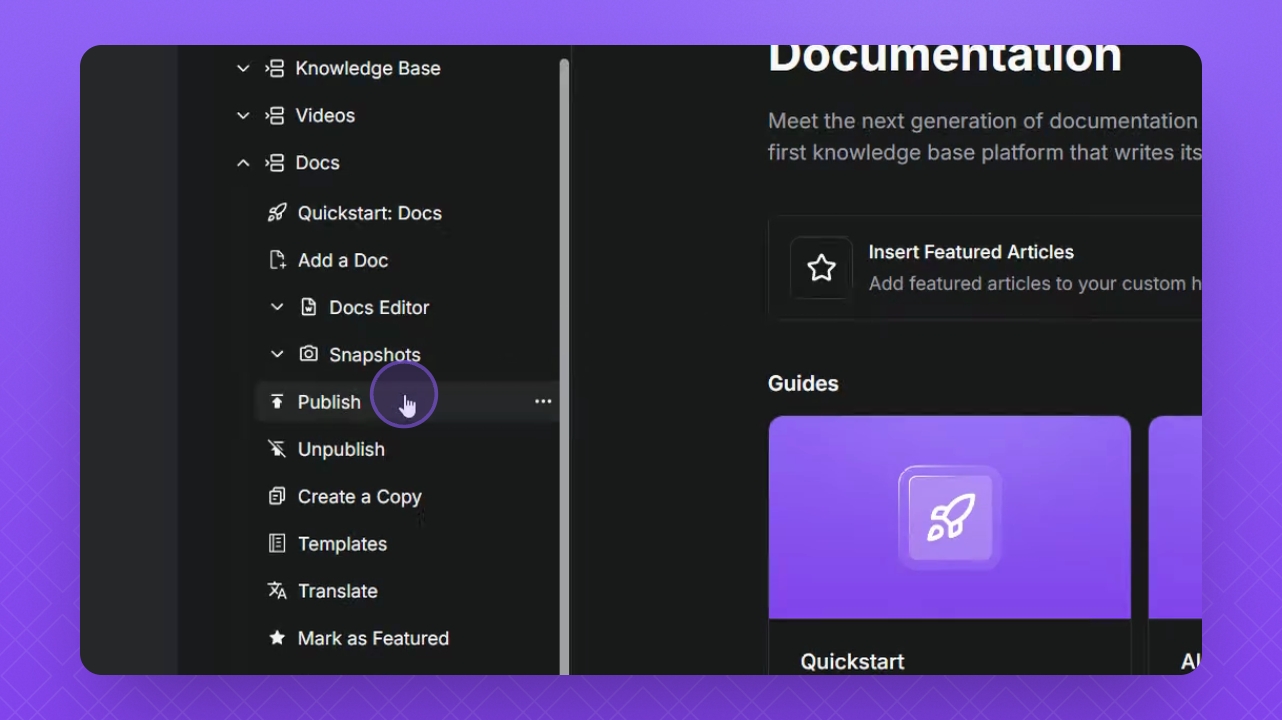
Step 1: Select the Article
Select the desired article from your Knowledge Base (KB) list.
Step 2: Click the Preview Icon
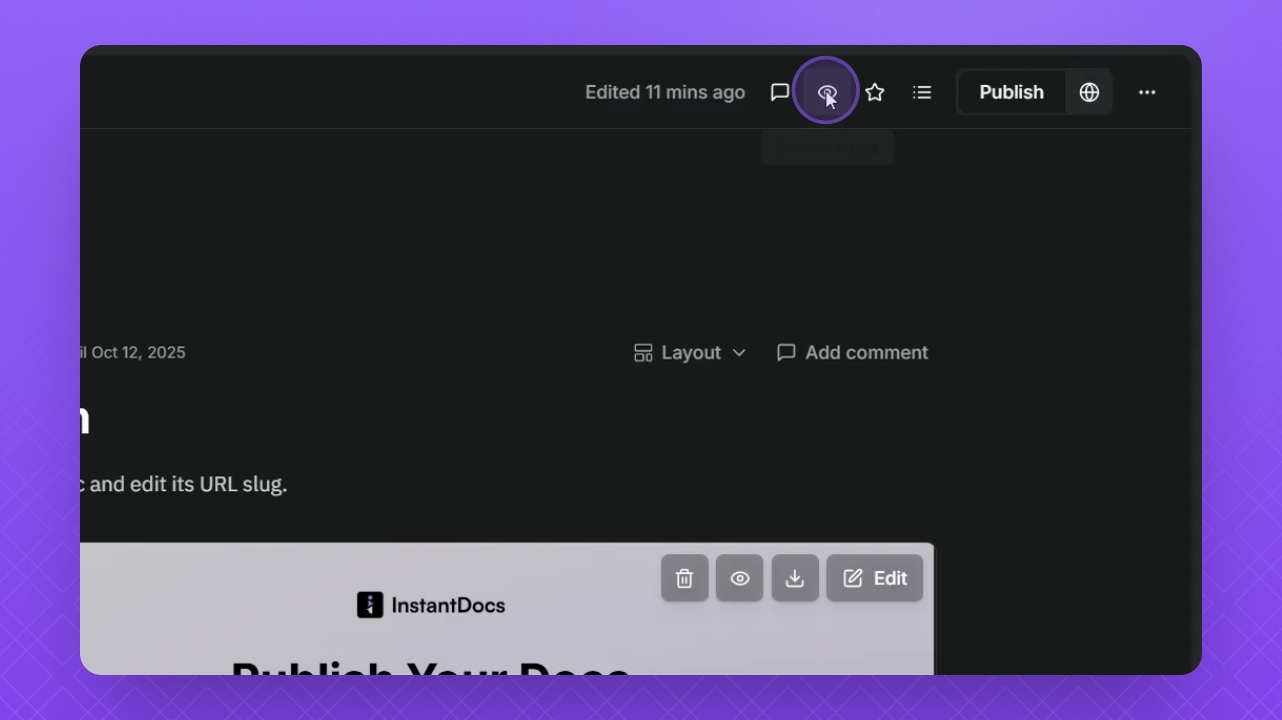
Click the "eye" icon in the top right corner.
You will see a preview of the article.
Step 3: Review the Preview
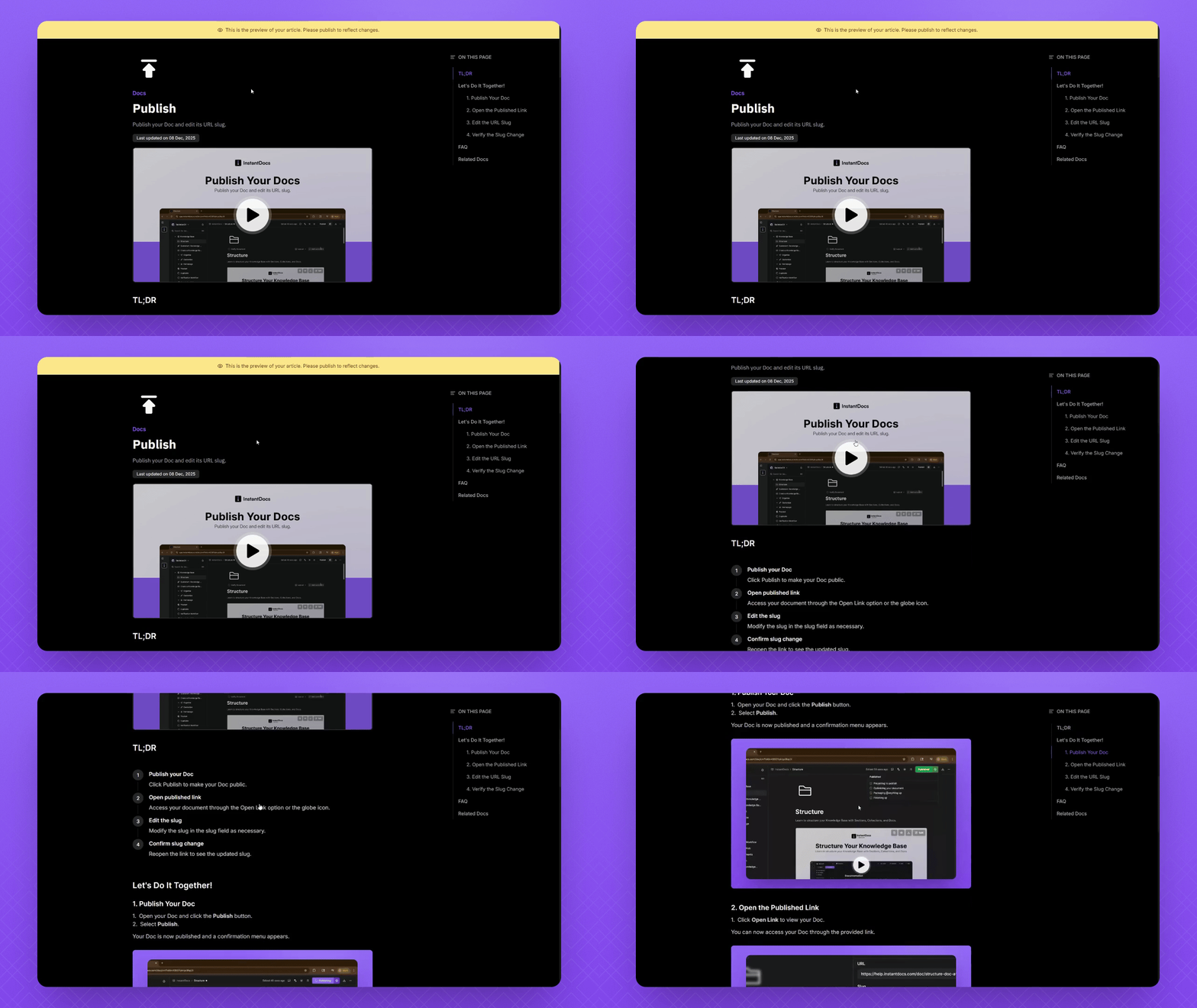
Scroll through the article to review its content.
Step 4: View Published Version
After publishing, click the globe icon to view the live article.
This directs you to the article in your customer-facing knowledge base.