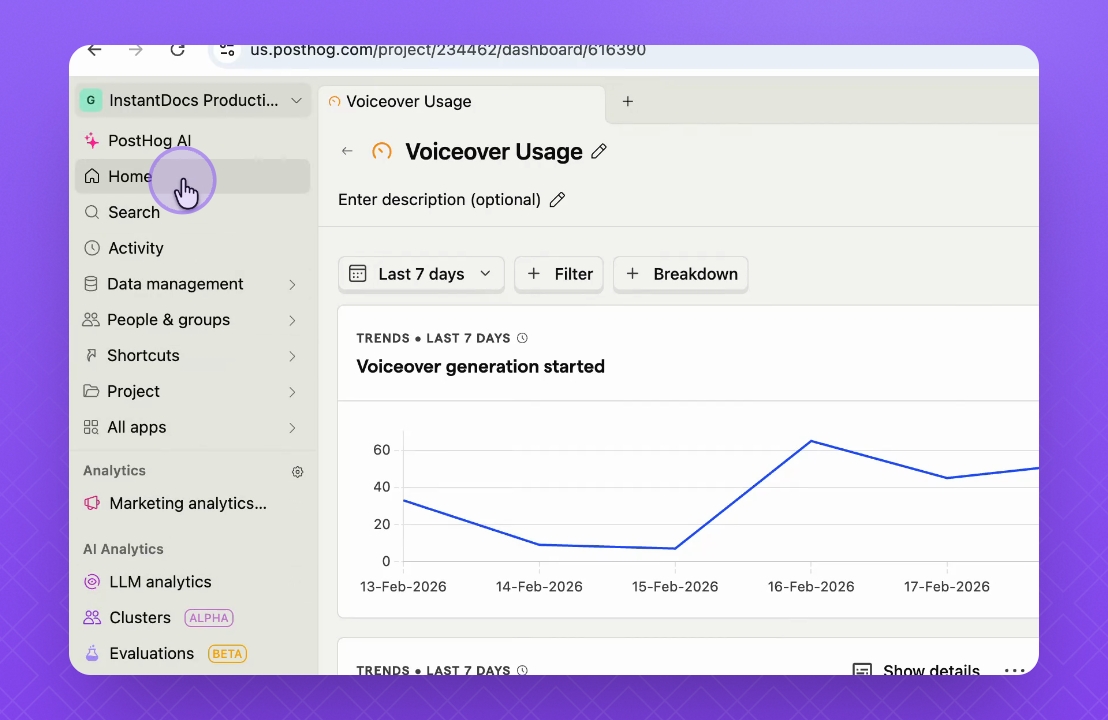
In this tutorial, you will learn how to navigate the Posttop dashboard and access various user analytics. Let's look at the steps:

Step 1: Access Dashboard
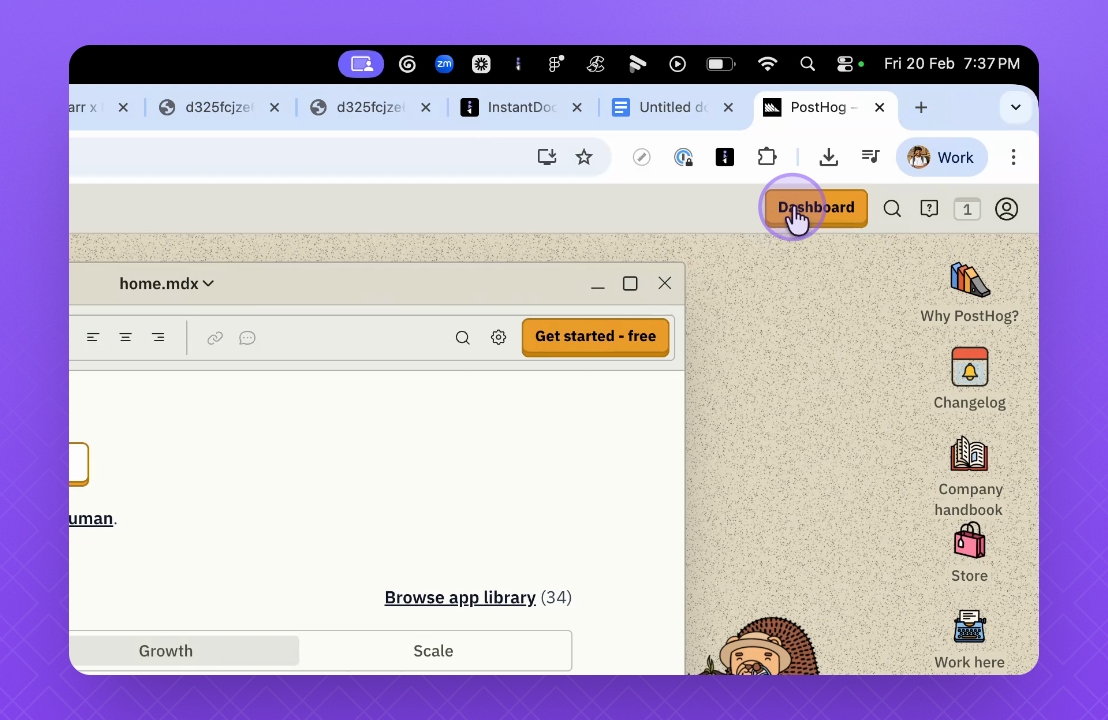
Click on the dashboard button to redirect to the Posttop dashboard.
Step 2: View User Statistics
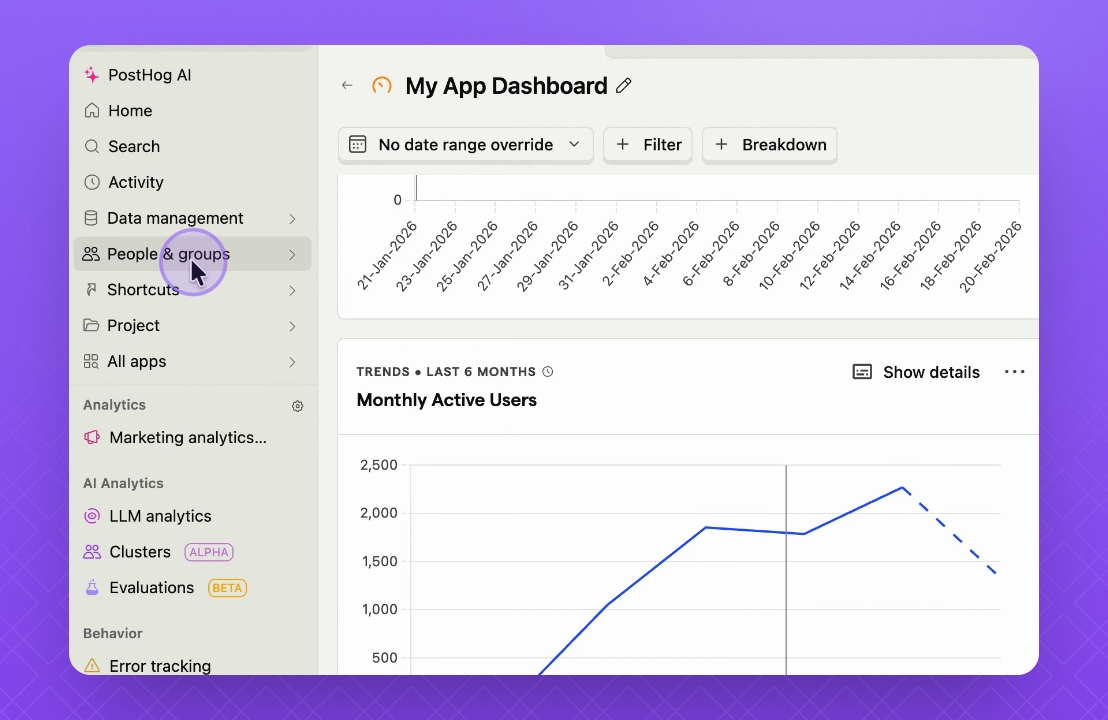
Check the daily active users, weekly active users, and monthly active users statistics.
Step 3: Search for Users
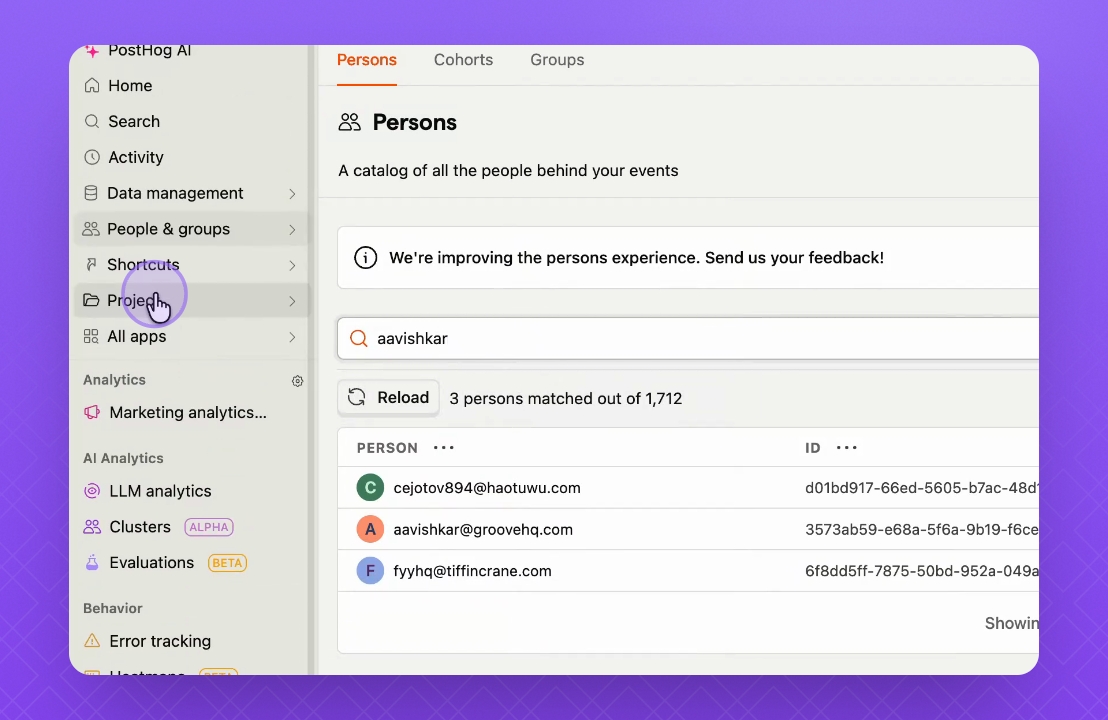
Go to people and search for specific users.
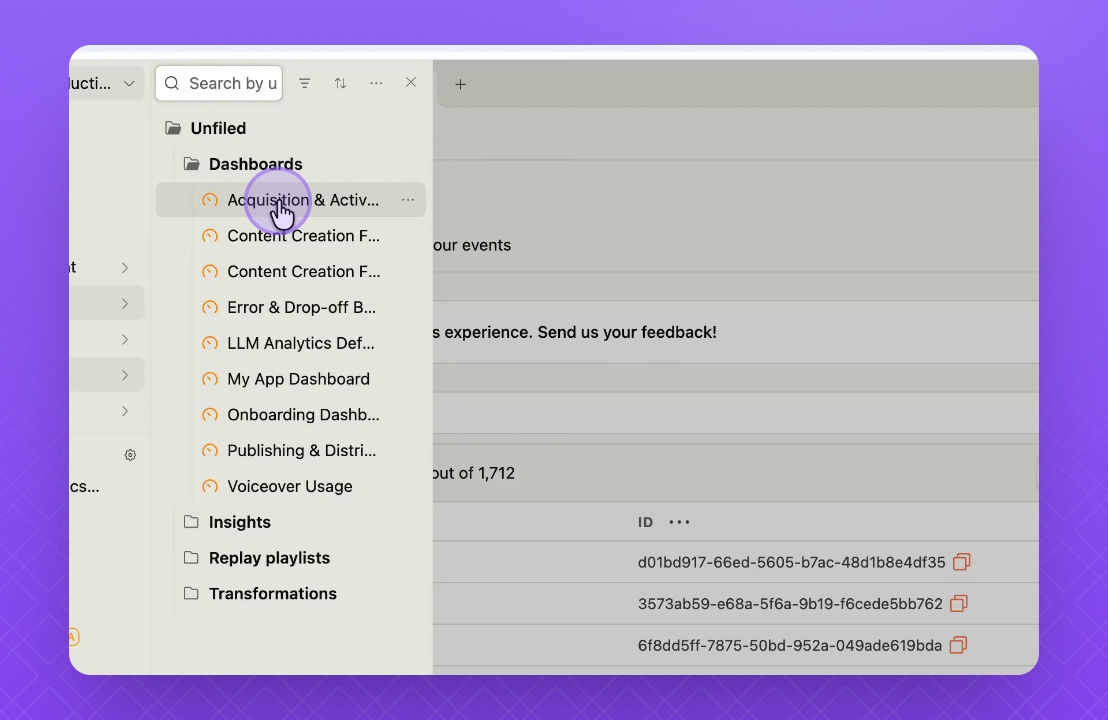
Step 4: Access Dashboards
To view dashboards, go to project and select the dashboards created.
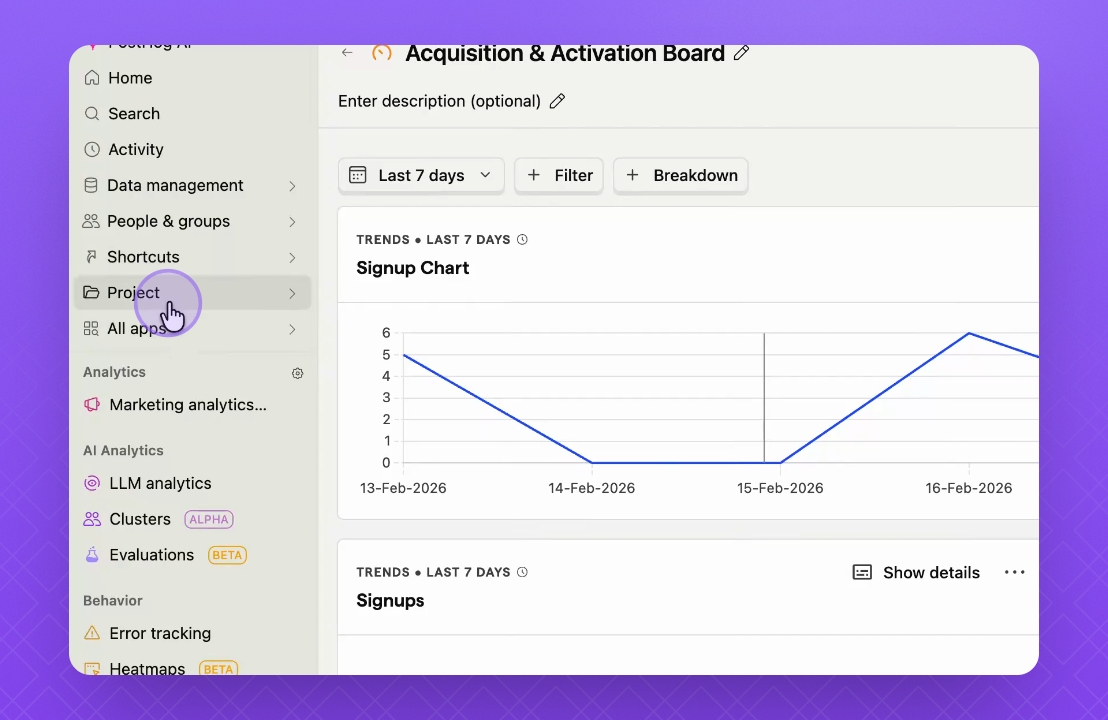
Step 5: Open Specific Dashboard
Open a dashboard, such as acquisition and activation, to view sign-up charts.
Step 6: Check Project Statistics
Navigate to another project, like content creation funnels, to review performance metrics.
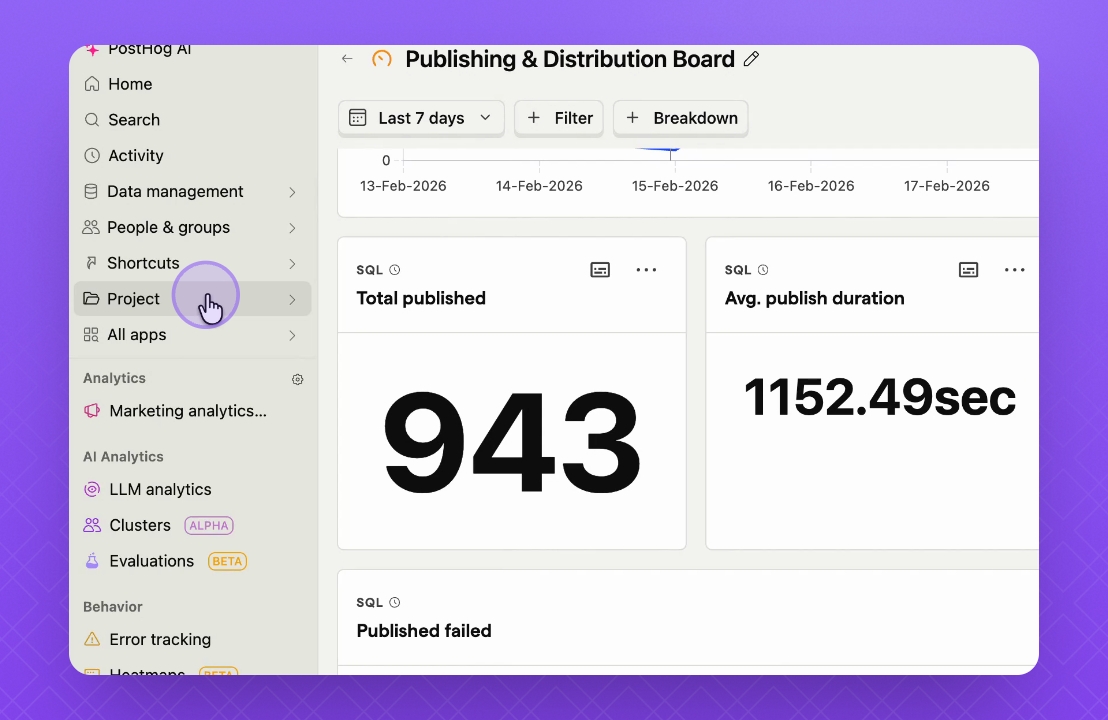
Step 7: Review Publishing Metrics
Go to publishing and distribution to check publish statistics and durations.
Step 8: Analyze Voiceover Usage
Access the voiceover usage project to view generator statistics.
This concludes the tutorial on navigating the Posttop dashboard.